

Claude Desktop - Pathfinder + CrowdStrike MCP servers - quick guide
Why We Built This
BeyondTrust and CrowdStrike both ship native Model Context Protocol (MCP) servers: Pathfinder MCP for identity and privilege data, Falcon MCP for detections and threat telemetry. Used separately, each lets an AI agent query one platform. Wired together behind a single conversational agent, they let a security analyst ask one question and get an answer that spans both platforms — for example, whether an identity's privilege exposure lines up with what's actually happening on the detection side.
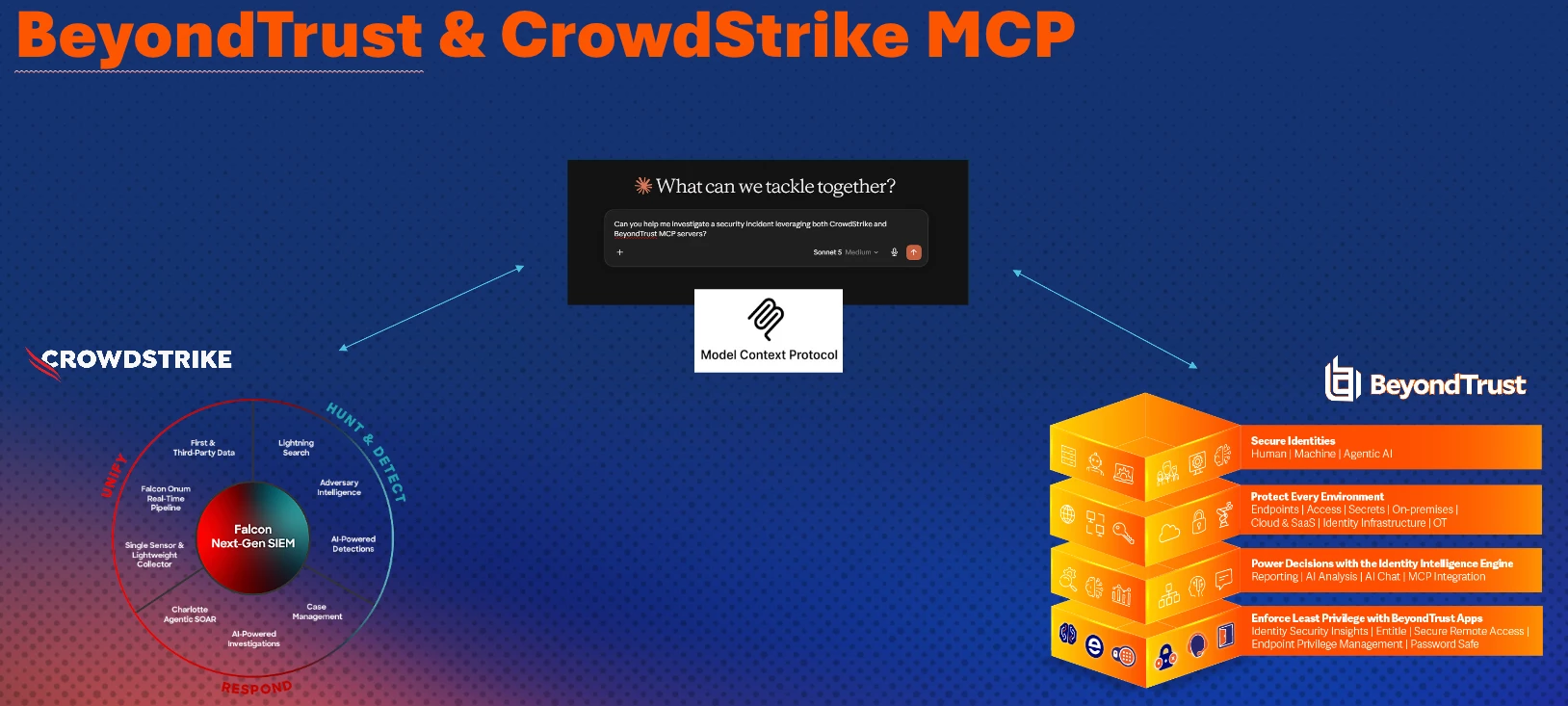
Configure CrowdStrike
To configure Claude Desktop for the CrowdStrike Falcon MCP server, you need to set up your CrowdStrike API credentials and update your claude_desktop_config.json file:
    "falcon-mcp": {
      "command": "uvx",
      "args": [
        "falcon-mcp"
      ],
      "env": {
        "FALCON_CLIENT_ID": "<Your_client_id>",
        "FALCON_CLIENT_SECRET": "<Your_client_secret>",
        "FALCON_BASE_URL": "https://api.us-2.crowdstrike.com"
      }
    }
For documentation: CrowdStrike documentation - MCP
Note: The regions Url (us-2) may be different for your instance.
Configure BeyondTrust Pathfinder
To configure Pathfinder MCP, add your MCP server to your claude_desktop_config.json file:
    "pathfinder": {
      "command": "C:\\Program Files\\nodejs\\node.exe",
      "args": [
        "C:\\Users\\Administrator\\AppData\\Roaming\\npm\\node_modules\\mcp-remote\\dist\\proxy.js",
        "https://mcp.beyondtrust.io/mcp",
        "--header",
        "Authorization: Bearer <Your_MCP_Token>",
        "--transport",
        "http-only"
      ]
    },
Once both MCP servers are connected, you can ask Claude to help you with various investigations and reports that are leveraging both platforms.