

Question

Password Safe Appliance Configuration Wizard Stuck

  • August 21, 2025
  • 5 replies
  • 86 views

Prudhvi Keertipati
Forum|alt.badge.img+3

Hi All,


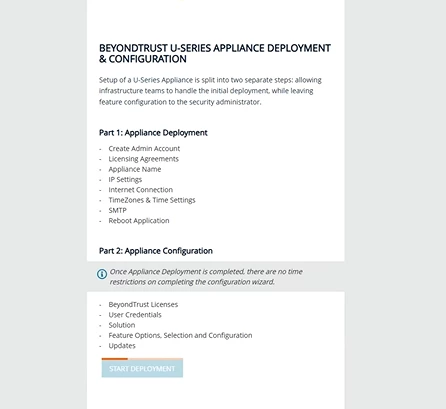
Working on a VM appliance deployment and the configuration wizard stuck at the initial page for a very long time. Rebooted the server and it still the same, any logs I can check. Any help would be appreciated.



5 replies

Paulo144
Forum|alt.badge.img+5
  • Veteran
  • August 21, 2025

@Prudhvi Keertipati 

Please confirm in this file “‪C:\Appliance\Logs\ApplianceInit.log”

If the following line exist “USeries Appliance initialization complete!”

It might be that the appliance has not finished initializing correctly and that could cause some issues witht the wizard deploy.


Prudhvi Keertipati
Forum|alt.badge.img+3

@Paulo144 “U-Series Appliance initialization complete” line exist in the log. 


Is there anything I can do to fix it or do I have to re-deploy the VM appliance image. 


jacek.krecisz
Forum|alt.badge.img+10
  • Rising Star
  • August 22, 2025

Hi Prudhvi,


I had a similar situation and only re-downloading and importing the image solved the problem. It is also quite important not to make any changes after importing the image (changing the btadmin password, changing the appliance name) for at least half an hour.


Paulo144
Forum|alt.badge.img+5
  • Veteran
  • August 25, 2025

@Paulo144 “U-Series Appliance initialization complete” line exist in the log. 


Is there anything I can do to fix it or do I have to re-deploy the VM appliance image. 

You can re-run the init script, i had to do it at least 3 time before and can confirm its works, inside the same directory as the logs there is “init”.ps1 find it and run again.


Forum|alt.badge.img+4
  • Veteran
  • August 27, 2025

What hostname did you give the appliance when you named it?