Unwanted inherited permissions
Good day all,
Forgive me if this is an obvious question, but I was not the one who set-up our PRA environment and the admin left our company leaving little documentation behind.
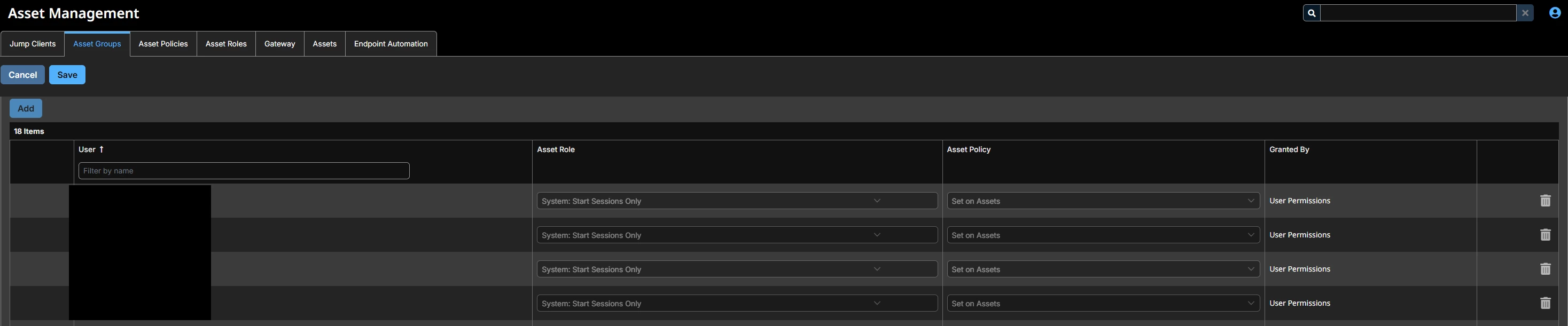
I’m finding that when a vendor signs in, they have visibility into pretty much all of our devices with the PRA endpoint installed, even if they cannot sign into them (no credentials for the actual machine but they can get into the console) Looking at Asset Groups, I can see many users in them, but I cannot figure out where they are inheriting the permissions from to remove them. (See screenshot for a small snippet of what I am referring to)
Any guidance on where to track this down to resolve it? I am now signed up for the Beyond Trust University and am learning the environment but am hoping to resolve this sooner rather than later.
I wasn’t certain what information, or screenshots would be needed to understand the issue fully, so please feel free to ask any clarifying questions.
Thank you all!
-Michael