
MichelB
BeyondTrust Employee
September 9, 2026

SailPoint IIQ: Pathfinder SCIM setup guide

  • September 9, 2026
  • 0 replies
  • 9 views

Context


While standalone BeyondTrust products including Password Safe, Endpoint Privilege Management (EPM) for Windows & Mac, and Privileged Remote Access (PRA) have a SCIM API, PathFinder provides a unified or global SCIM API that supports provisioning Users and Groups that can be consume by each individual products within PathFinder.


This guide is a complement to Documentation: SCIM provisioning  and covers SailPoint IdentityIQ or IIQ .
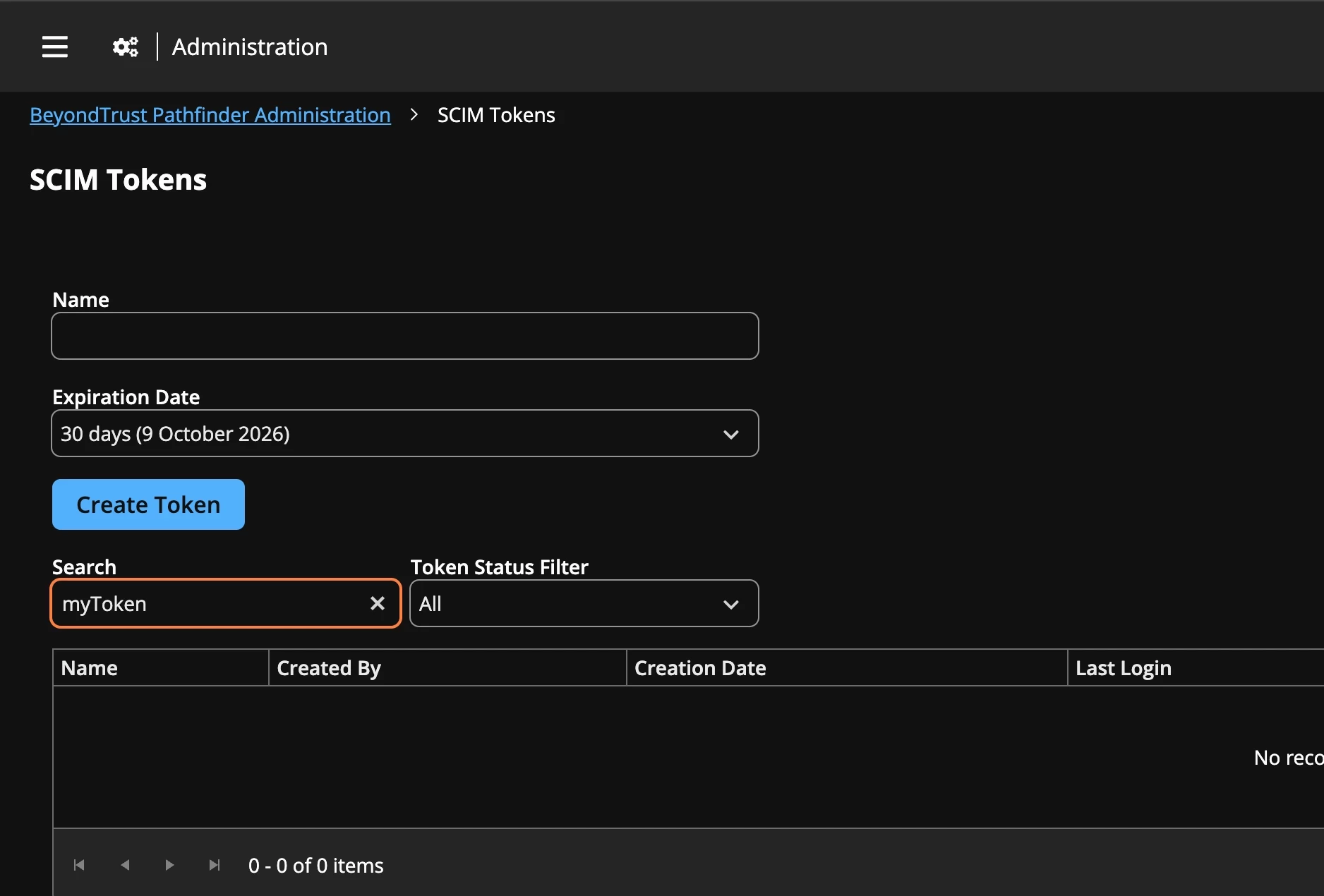
 

The first step is to create a SCIM token as the SCIM service account, and note the Org ID in the upper right corner.  The User must be Administrator in individual BT modules.


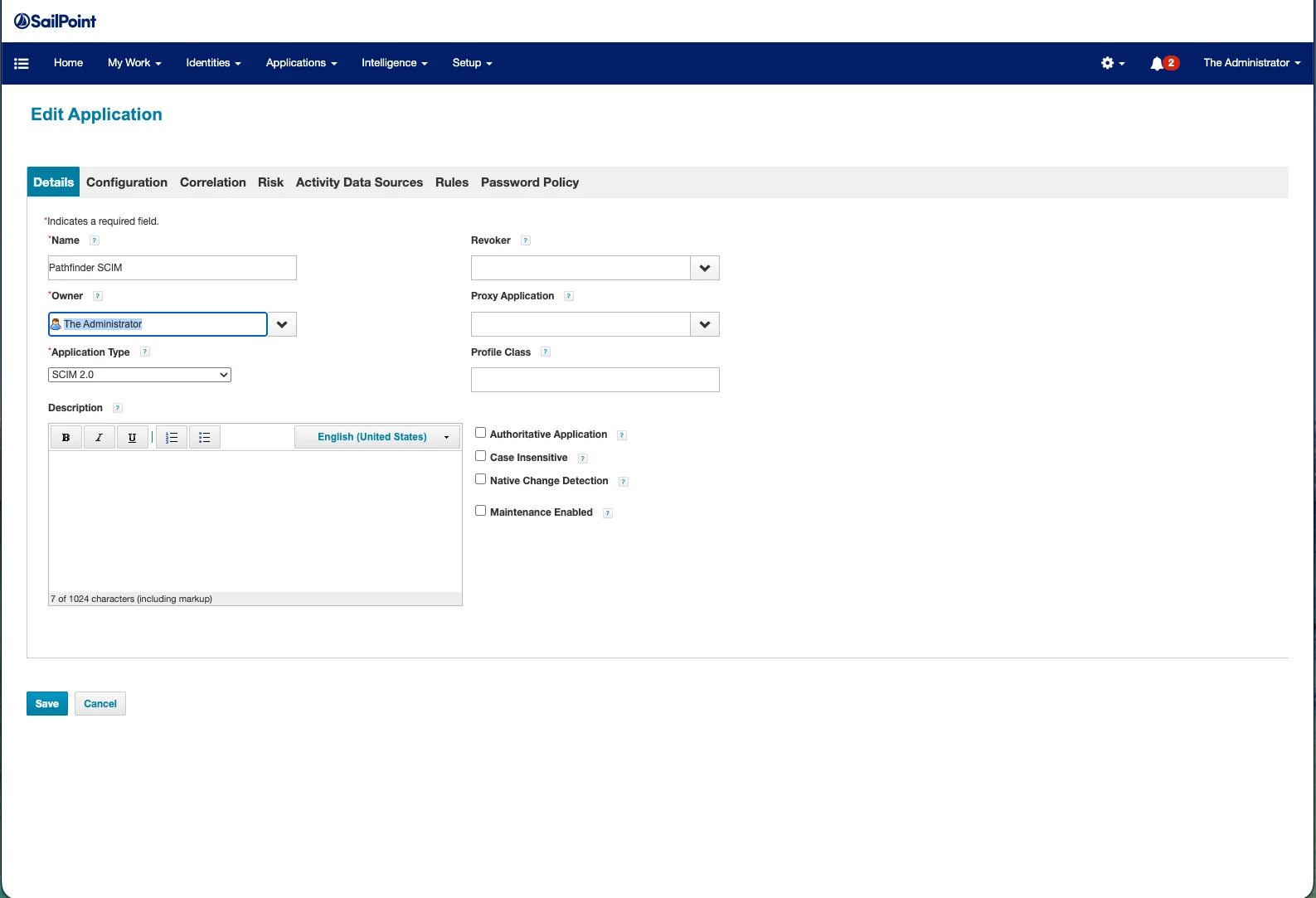
Create a new Application with Type = SCIM 2.0.


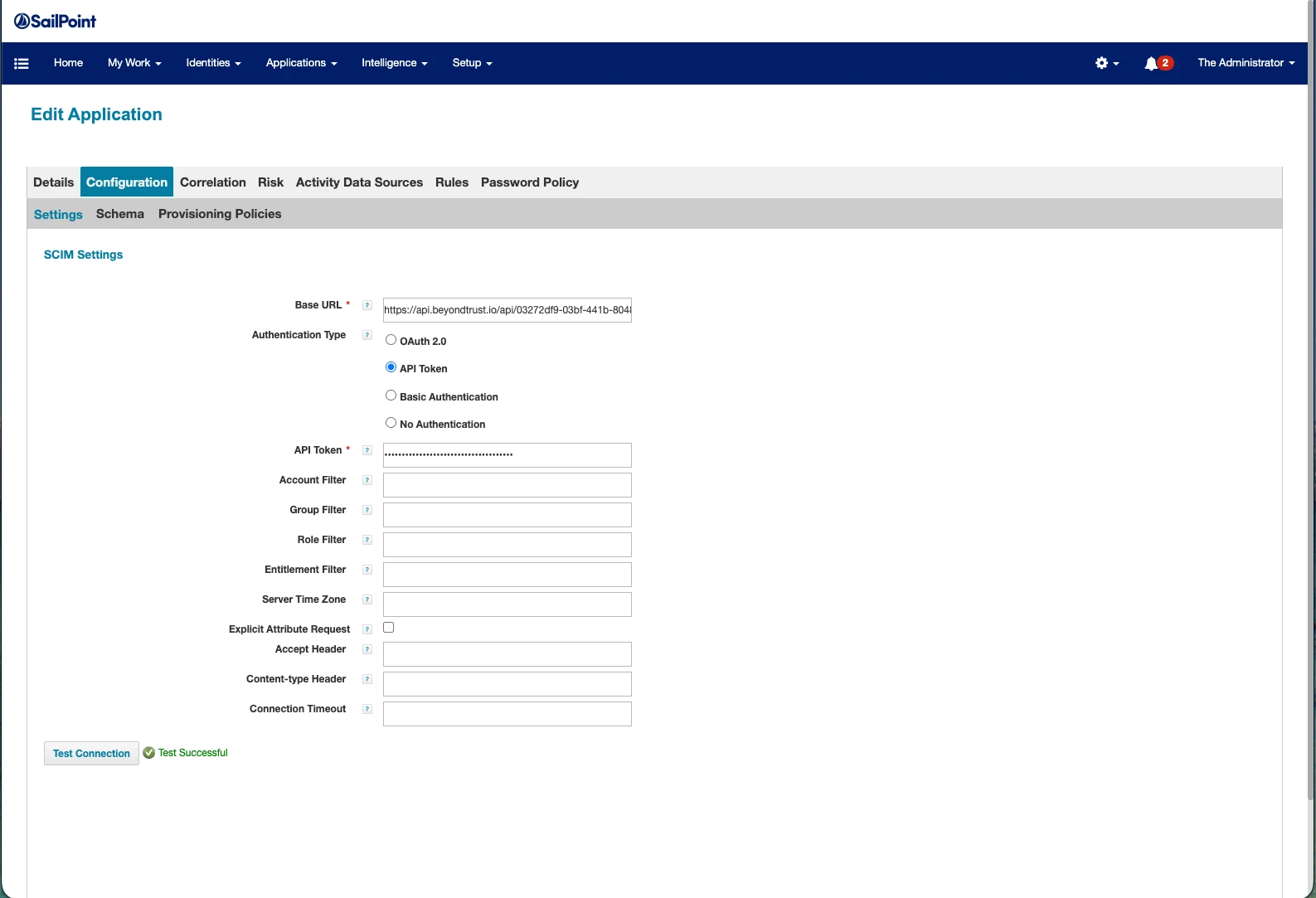
Replace {organization-id} in Url https://api.beyondtrust.io/api/{organization-id}/platform/auth/scim/v2 and provide the token. Test Connection should be successful.


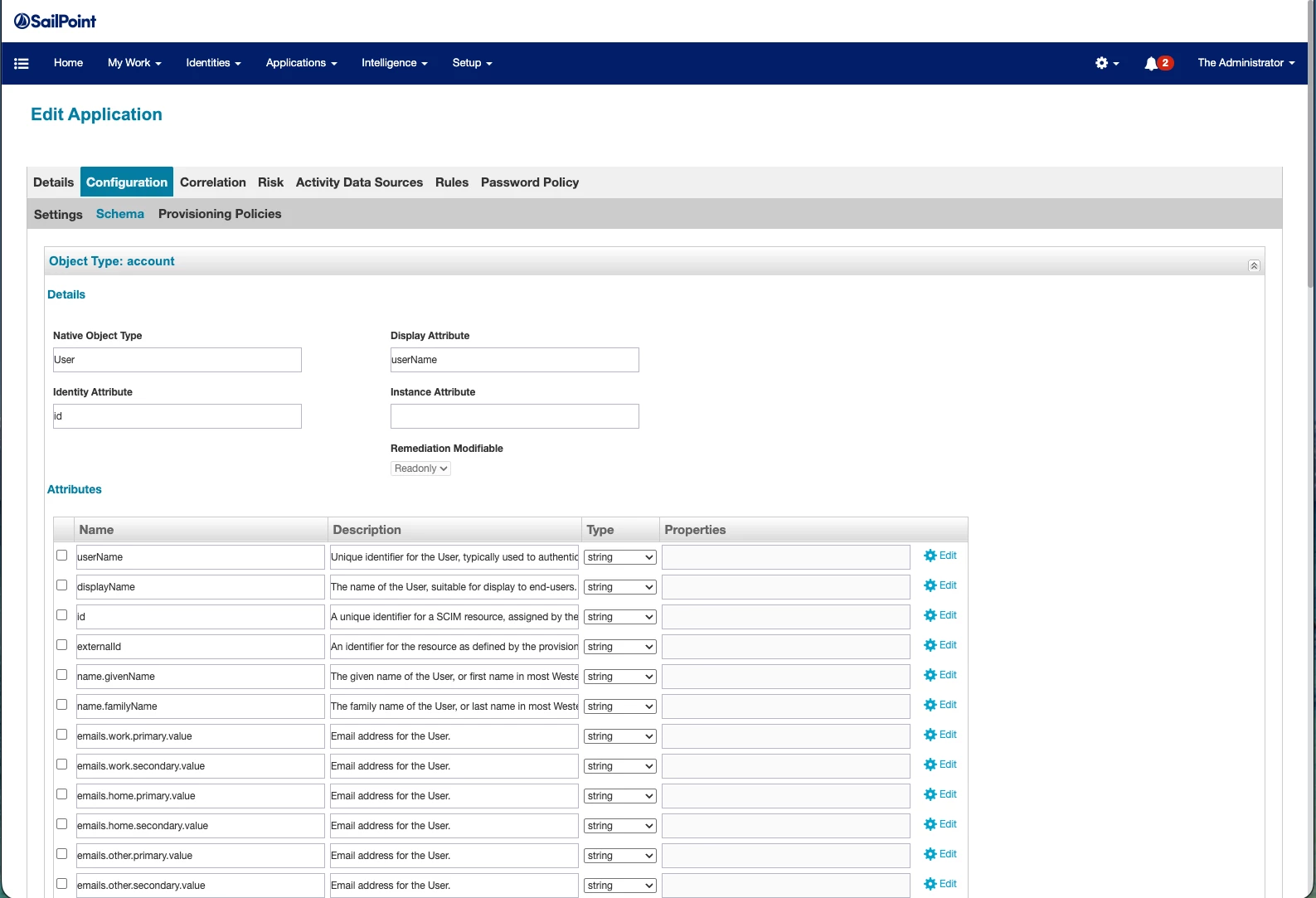
Discover Schema attributes for account.  Click Preview to test.


Provisioning Policy:  Create account form.


Script values are:

  • script:  return identity.getAttribute("email");
  • script:  return identity.getAttribute("email");
  • script:  return identity.getAttribute("firstname");
  • script:  return identity.getAttribute("lastname");
  • Value:  true


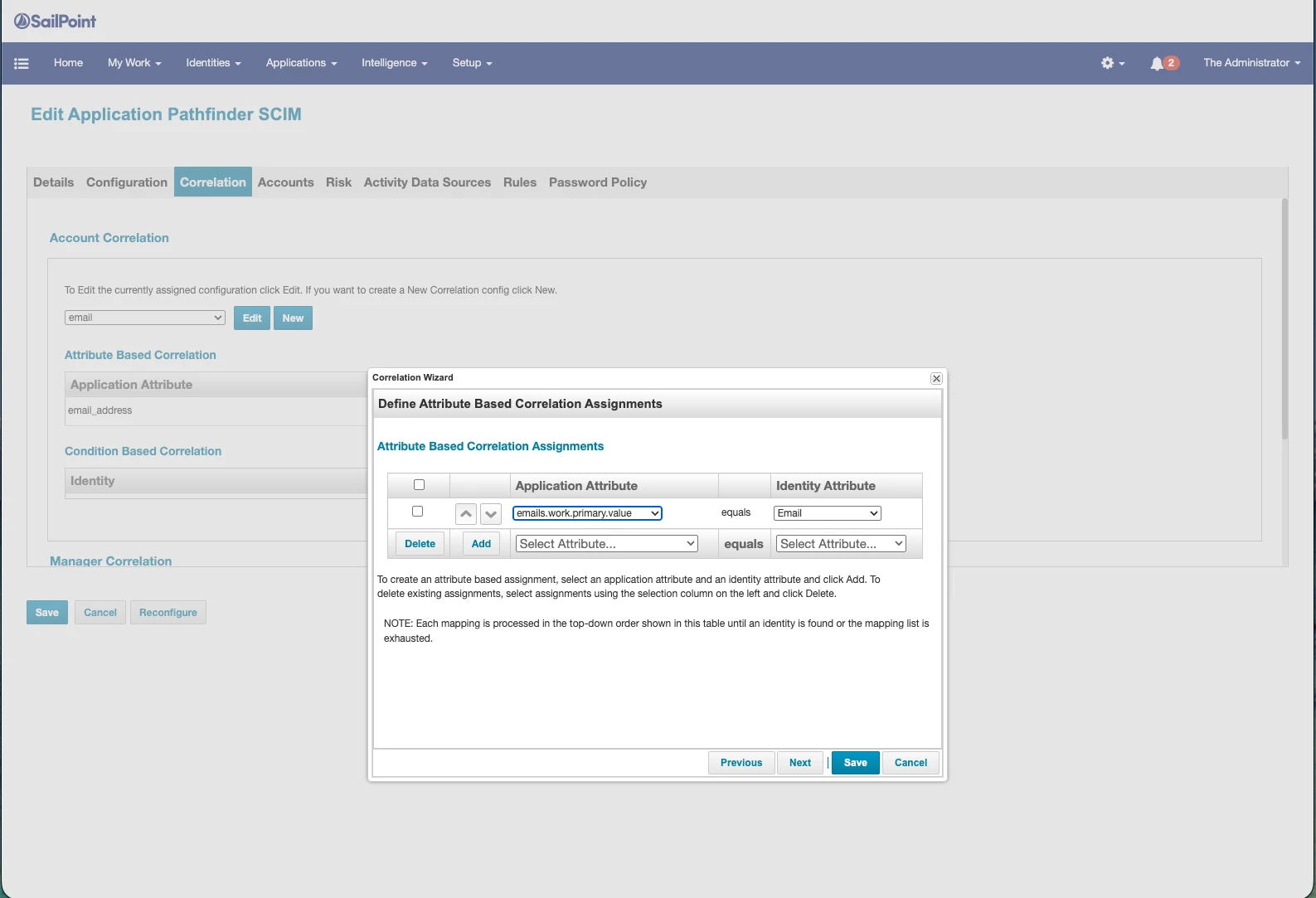
Account Correlation: Use email for email and/or userName.


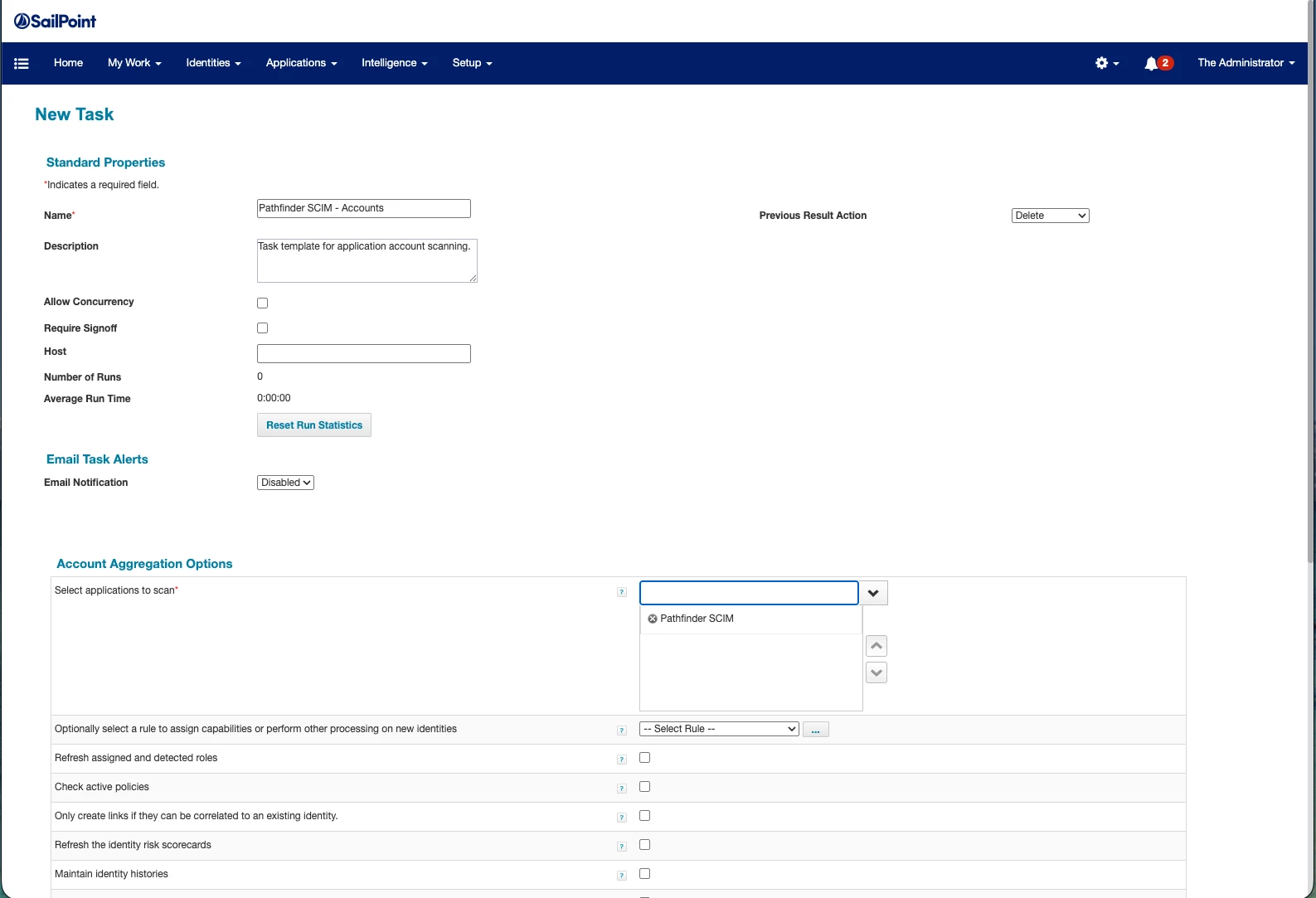
Create Account and Group Aggregation Tasks.


Testing


section to be added shortly