
Creating a Read Only Group and adding user to just have Read-Only upon logging in.

  • October 23, 2025
  • 2 replies
  • 152 views

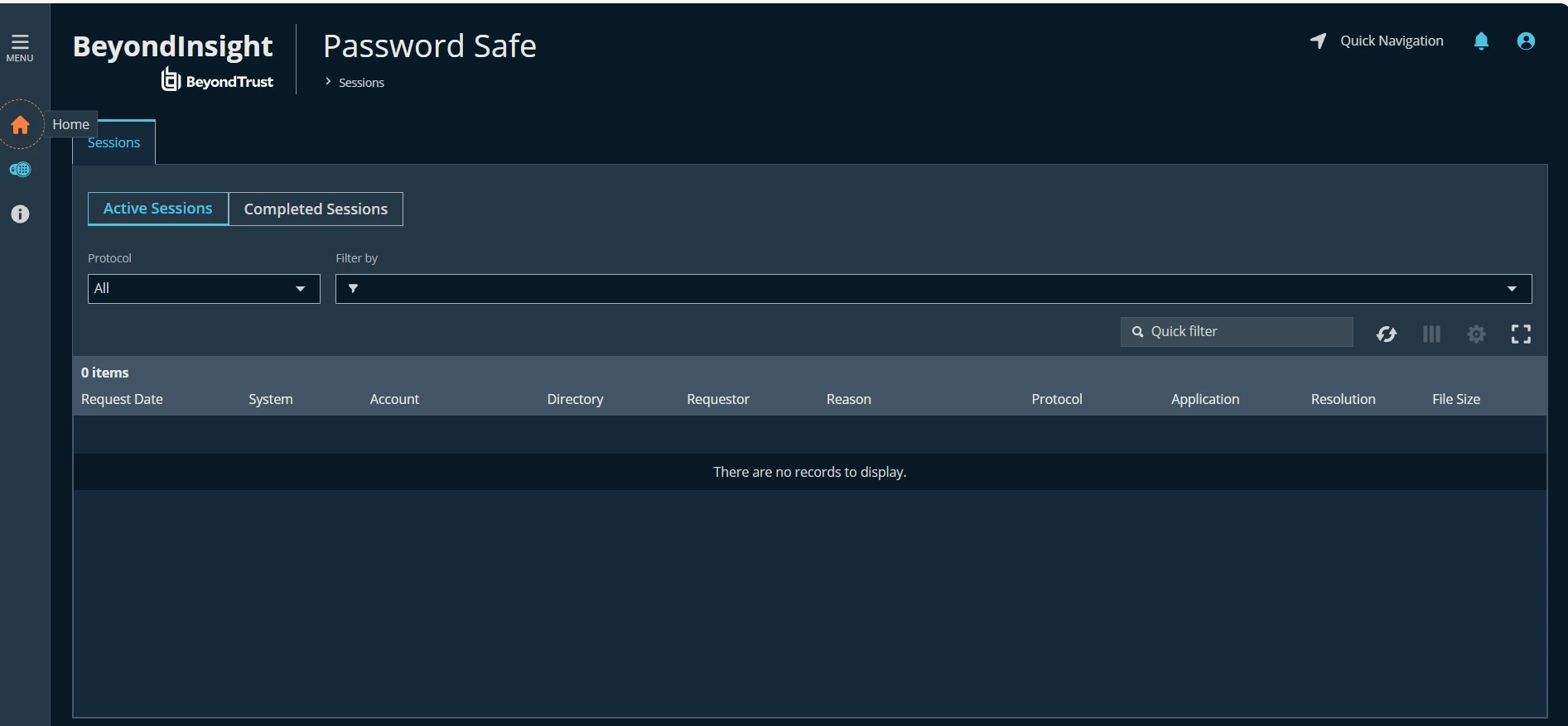
I created a group. Added a feature “Management Console Access” and added a smart group “All Assets”. When I log in with the testuser I’m limited what I see. I don’t see many things displayed.



2 replies

  • BeyondTrust Employee
  • October 27, 2025

Hello,

Thank you for reaching out and sharing your feedback. I connected with our Support team, and they recommended a few helpful resources to get you started:

You can also contact your account representative if you’re interested in available training options. If you still need assistance after reviewing the documentation, we recommend submitting a support case so our team can take a closer look at your specific setup and provide more direct guidance.
 

Best regards,
Aliza from BeyondTrust  


Paulo144
Forum|alt.badge.img+5
  • Veteran
  • October 27, 2025

@brucereidjr 

“Management Console Access” is a feature that need to be add together with other features, such as “Asset Management” so you can see the assets page.

By adding the “All Assets” smart rules you only get the Password Safe feature, it would be like a normal user scope.

Try adding the other features as read only and you see the more. a pseudo-admin if even.
