Question

BeyondTrust EPM Windows and Mac SaaS - Trusted Application Protection

  • December 15, 2025
  • 2 replies
  • 15 views

Forum|alt.badge.img

Hi all,

Im currently exploring the features and benefits of the EPM solution, and I came across the TAP functionality. I have a quick question regarding this.

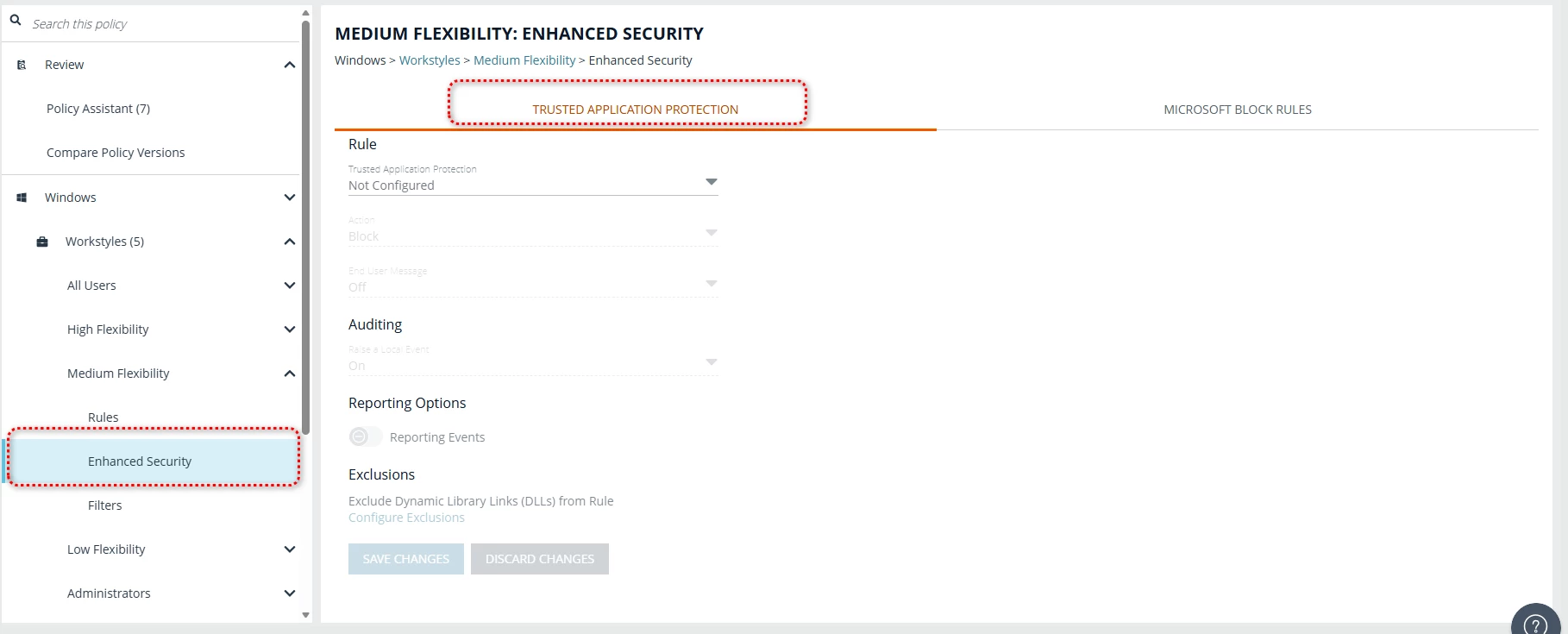
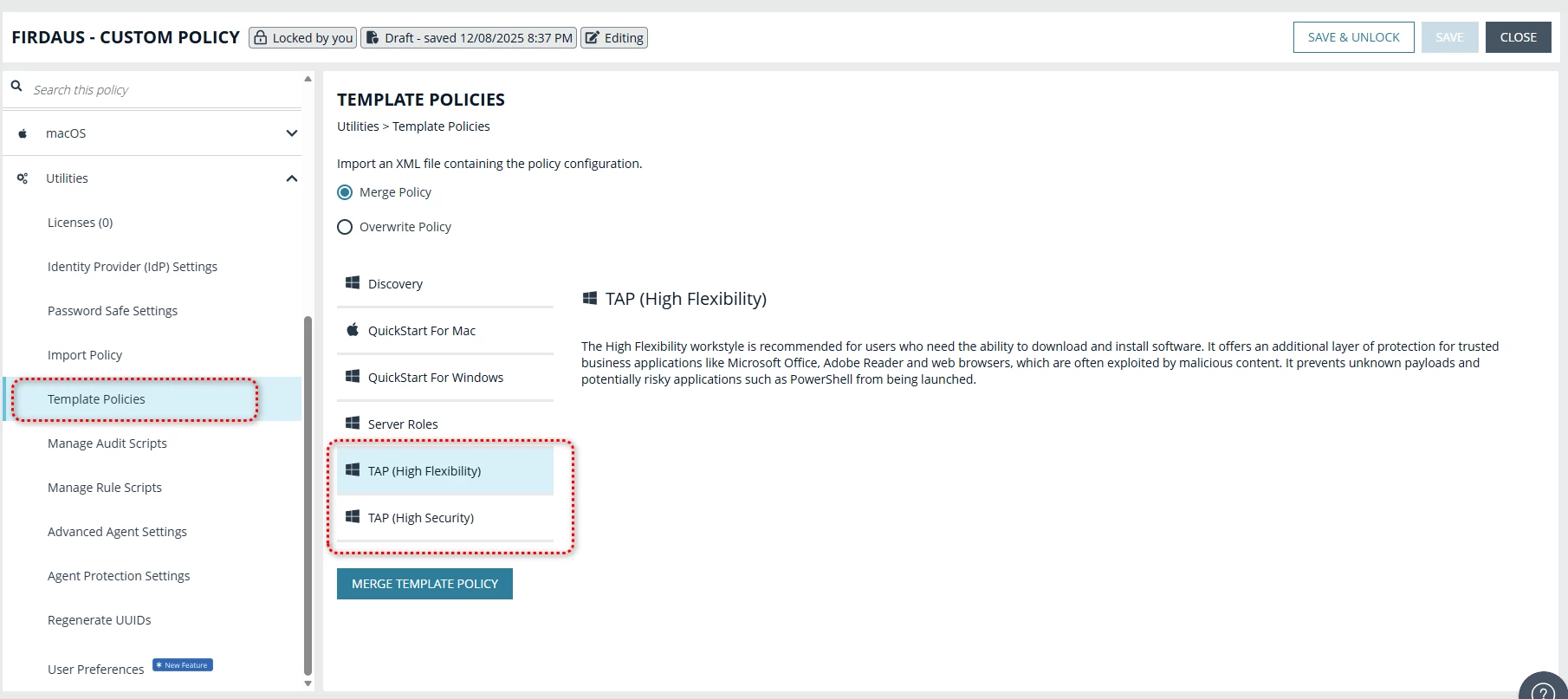
What is the difference between TAP configured under a Workstyle created in Enhanced Security and the TAP policy templates found under Utilities > Template Policies? I could not find any clear explanation in the documentation, or I may have missed it.

I would appreciate it if someone could clarify this for me. Thanks.


TAP under Workstyle created
 

TAP template policies under Utilities > Template Policies
 

2 replies

Forum|alt.badge.img+4
  • Veteran
  • December 15, 2025

I would check in with support, the policy template looks odd at the moment from 25.X of the EPM Client.
But the High Flexibility would typically just be a little more flexible than High Security that would default block anything. Looking at the current rules they look identical.


Pulitros144
Forum|alt.badge.img+4
  • Rising Star
  • December 15, 2025

@Firdaus Jamaluddin

1. The tab 'Enhanced Security' refers more to the functionality being shown.
2. The template is more of an exploration with examples you could use for the 'Enhanced Security' functionality.