

PMC Computer Logs
While I was going through documentation looking to find out some specific information regarding Computer Logs vs Command Logs and trying to determine how they might be useful to troubleshoot issues with various machines from what I’m seeing on a select few vs that of the many machines in the same group, I came across this part.
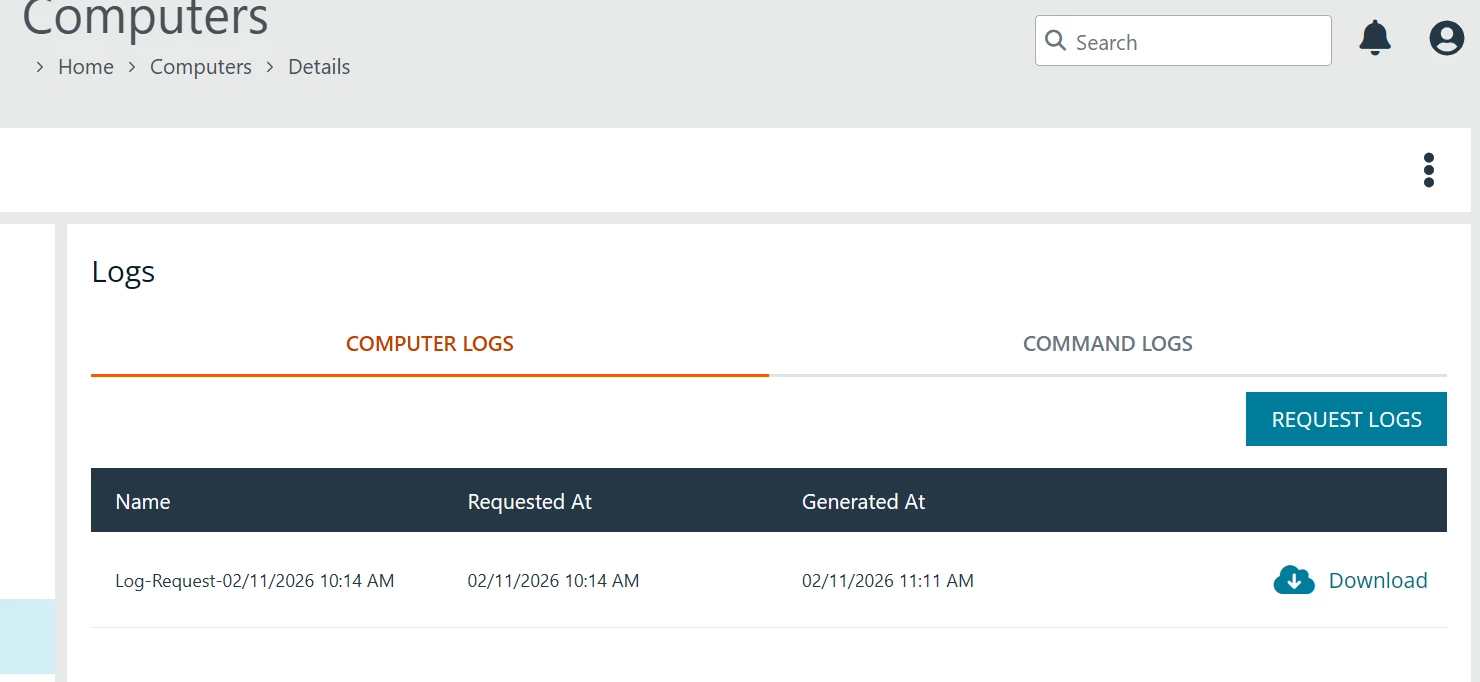
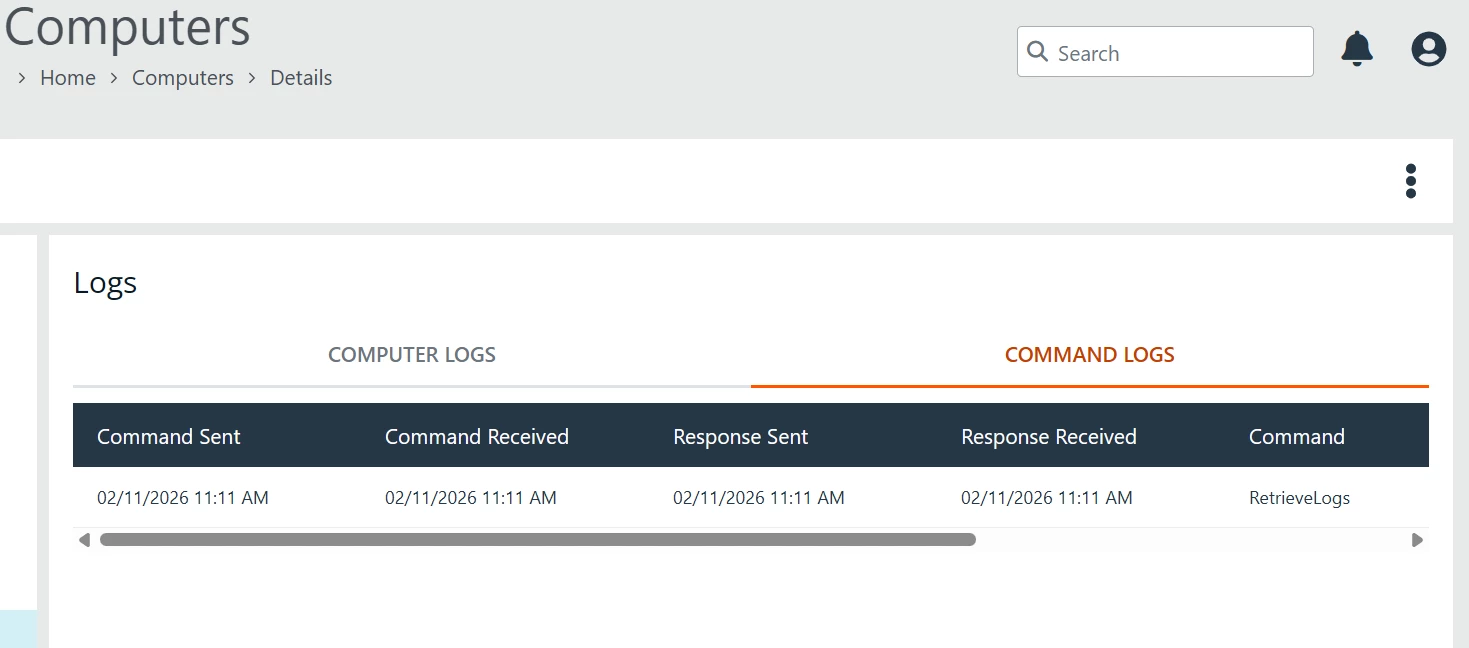
One thing I have noticed that is different than what is written, there does not appear to be any means to download “Command Logs” like the write-up states. And to that point, the only “Command” I have ever seen listed in this tab is when I Request Computer logs from a machine. Are there other types of “Commands” that show up here?
As to “Request Logs” from the Computer Logs section, you only really get 2 files.
- AvectoiC3Adapter25.8.840.msi-Installation-11-02-2026-0905.log
- PrivilegeGuardClient25.8.12.0.msi-Installation-11-02-2026-0906.log
I think the documentation could use some improvement in this regard, to give a little more information as to what to expect or some helpful use cases even if just to say something along the lines of “might be helpful when opening a support ticket for x, y, z”
Just curious if anyone else see’s what I see, unfortunately because my company has Password Safe and the current disparities between Pathfinder version and Cloud instance, I can’t even blame it on Pathfinder being the new shiny because I know I’m not the only customer waiting…
Computers | EPM-WM Cloud
Download a computer's logs
You can view and download logs to track activities between the computer and EPM-WM. There are two types of logs:
- Computer: Records all communication between EPM-WM and the computer.
- Command: Records the commands sent to the computer. The log information includes the command sent and whether the command was received by the computer.
- From the left menu, click
.
The Computers page displays.
- Locate and select the computer you want to view.
- Click
> View Computer Details.
The computer details pages display.- In the left menu, click Logs.
The Logs page displays.- Select the type of log you want to download (Computer or Command).
- Click Request Logs.
The log request is sent.- To gather recent activity or if there are no logs, click Request Logs.
Computers | EPM-WM Pathfinder
Download a computer's logs
You can view and download logs to track activities between the computer and EPM. There are two types of logs:
- Computer: Records all communication between EPM and the computer.
- Command: Records the commands sent to the computer. The log information includes the command sent and whether the command was received by the computer.
- Sign into app.beyondtrust.io.
The BeyondTrust Home page displays.- From the top left of the page, click
> Endpoint Privilege Management for Windows and Mac > Computers.
The Computers page displays.- Locate and select the computer you want to view.
- Click
The computer details pages display.- In the left menu, click Logs.
The Logs page displays.- Select the type of log you want to download (Computer or Command).
- Click Request Logs.
The log request is sent.- To gather recent activity or if there are no logs, click Request Logs.



