how to differentiate 2 system with same name in password safe using smart rule
Hi team
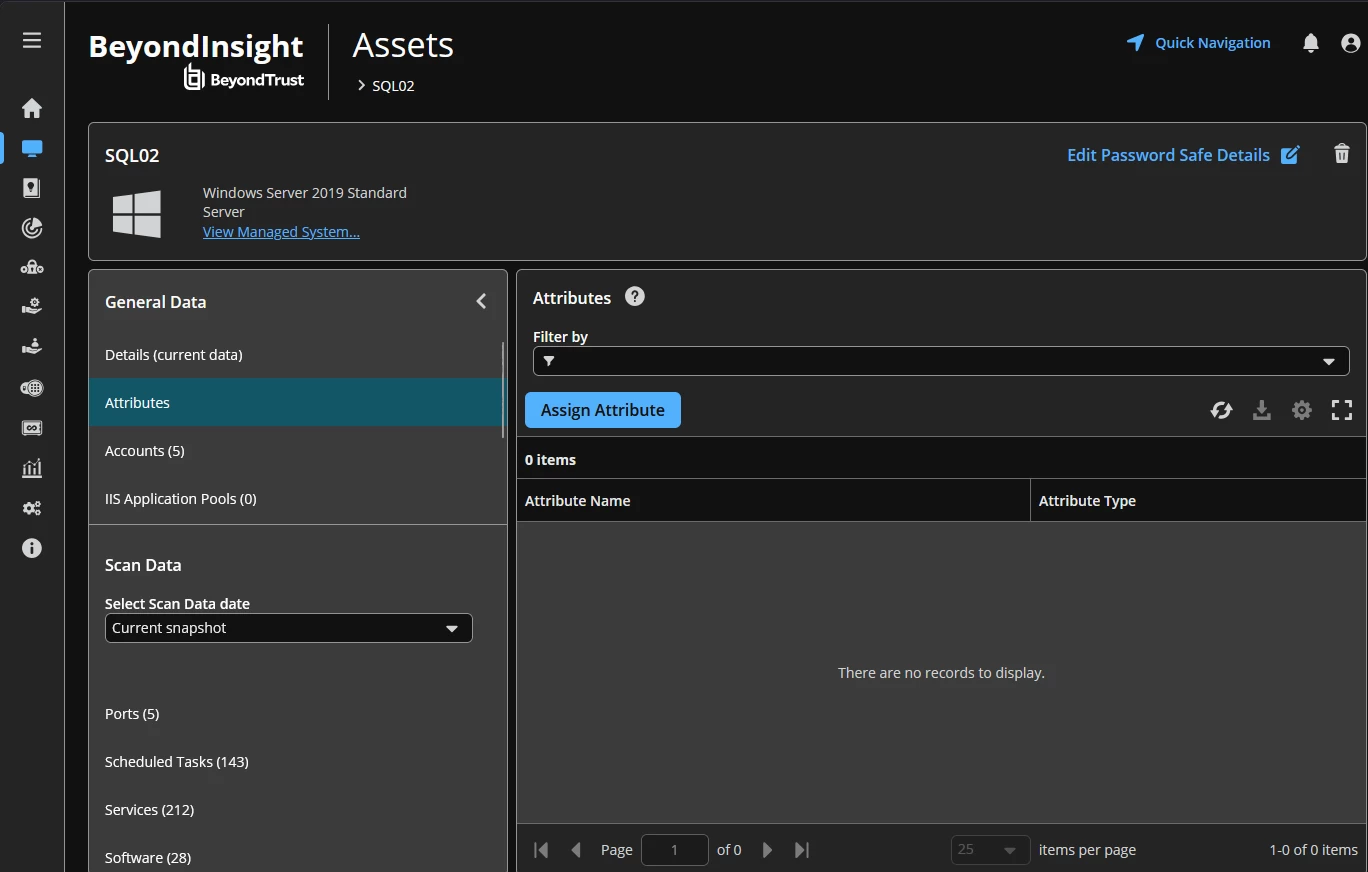
I have some requirement due to which I need to create 2 entries for same managed system . I have created those entries . Both systems have same Name ,IP and port. Description is different only .
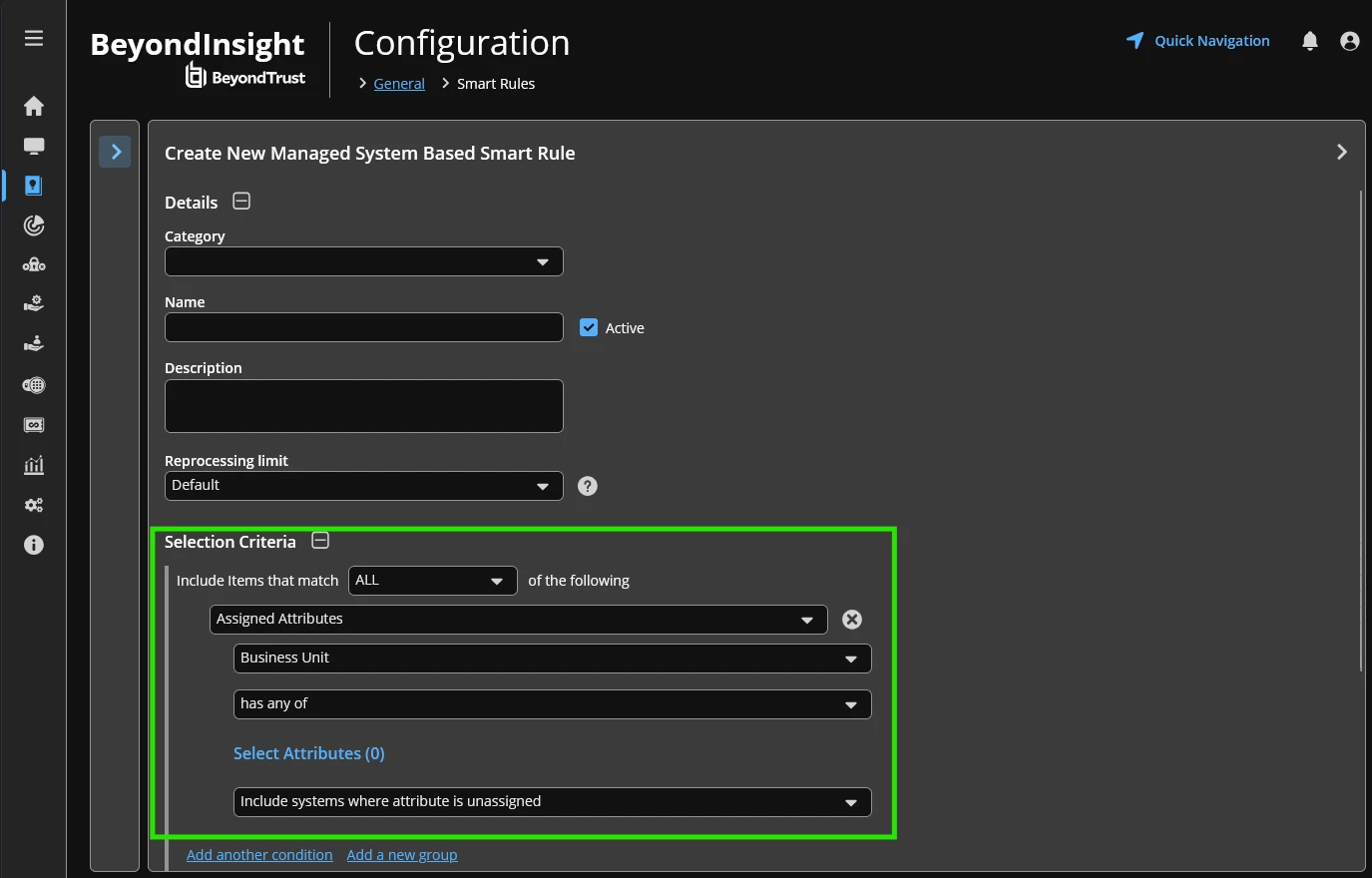
I need to understand how can I create the smart rule which can target only one system. I want to write the smart rule for both assets individually.
What condition shall I add such that only one system is returned when smart rule is executed.
One of the option would be quick rule . But I want to understand is there any way I can use the smart rule and get this done .
I was looking at the option for manage system smart rule and I could see there is an condition for alias

I wanted to understand how can I set the alias for both systems? If it is possible then I can use it to distinguish both systems. I dont see any option to use the description
Need help here please
Regards,
Imran